
Step by step
Tap Freshy at the bottom right. Depending on your setting, Voice command (microphone) or chat opens.
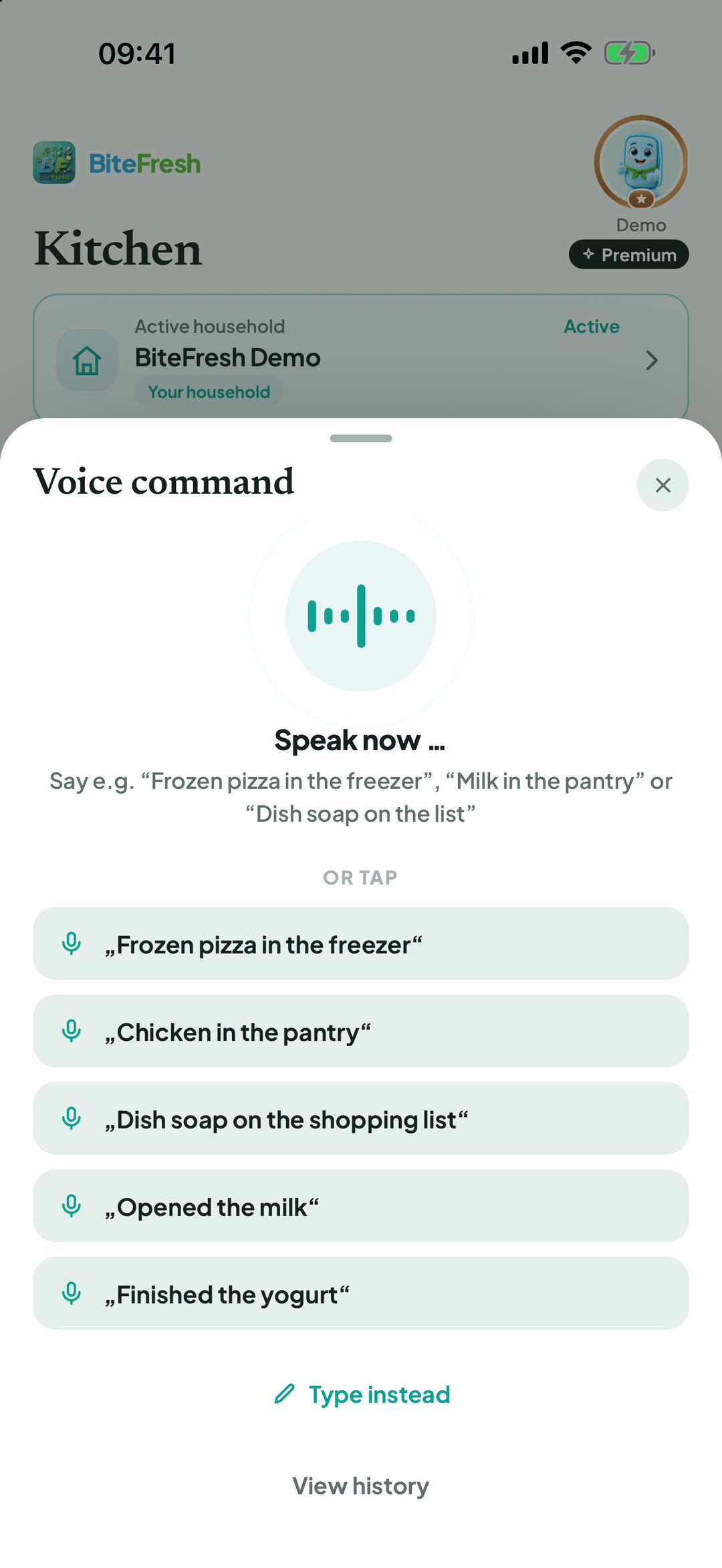
Speak: when Listening … appears, say Milk in the pantry, Finished the yogurt or Dish soap on the shopping list, for example.
Prefer typing? Type instead › Type your command › Go.
Freshy shows what was understood (Recognised, or … actions recognised for multiple tasks). Confirm with Execute.
The first time, your phone asks for microphone and speech-recognition access. Allow both. If you declined, use Open system settings.
Change the default: Profile › Freshy & AI › Freshy control: Speak or Write.
Good to know
Open questions to Freshy use AI, requiring Premium or the trial and your consent. Without AI, the app says AI is off, but clear commands still work.
Terms
Updated: 2026-09-30 · App version 1.0.4
More questions? Write to support@bitefresh.de.