
Step by step
In Kitchen, tap the Expiry calendar row. It may say 4 items in the next 7 days.
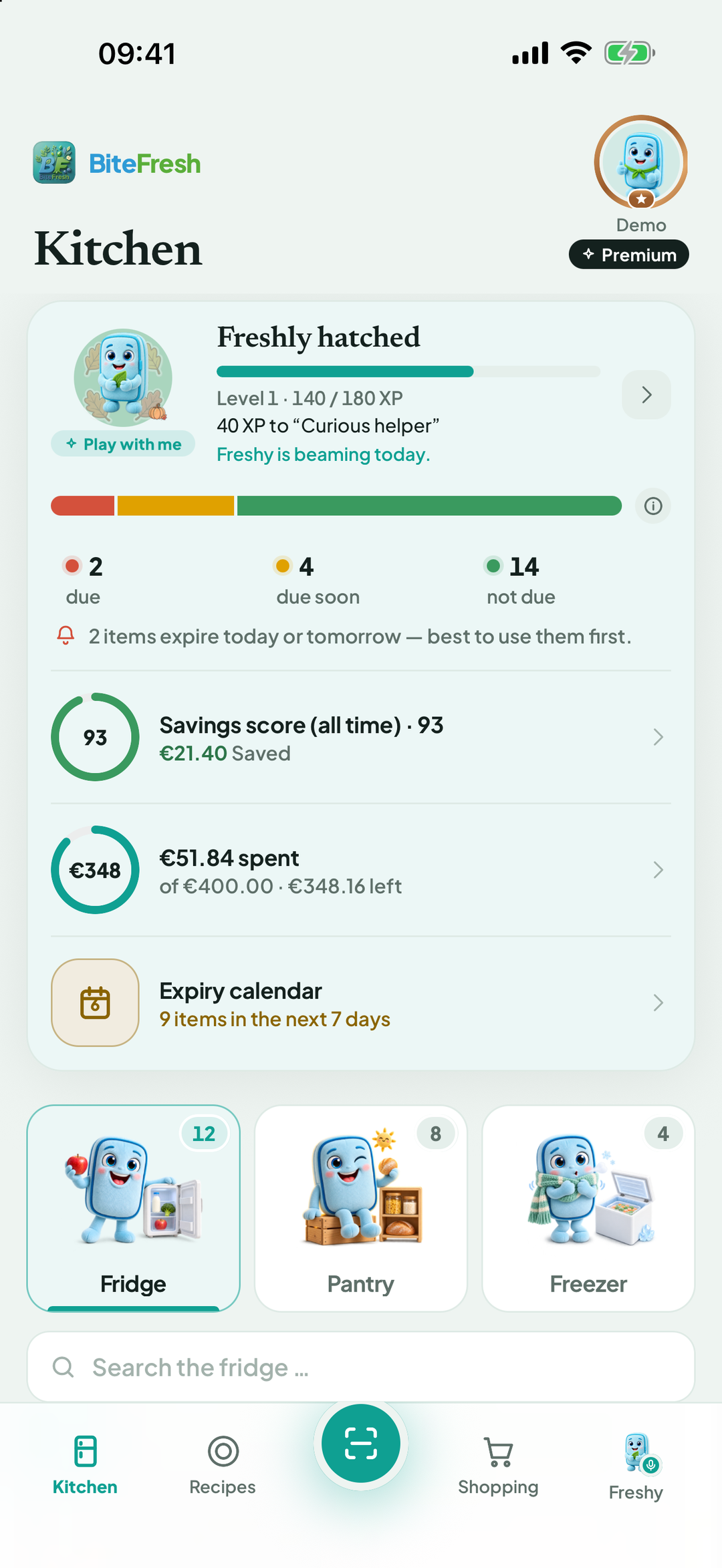
The month view displays small product pictures on the relevant days. If anything is already past its date, Overdue appears at the top.
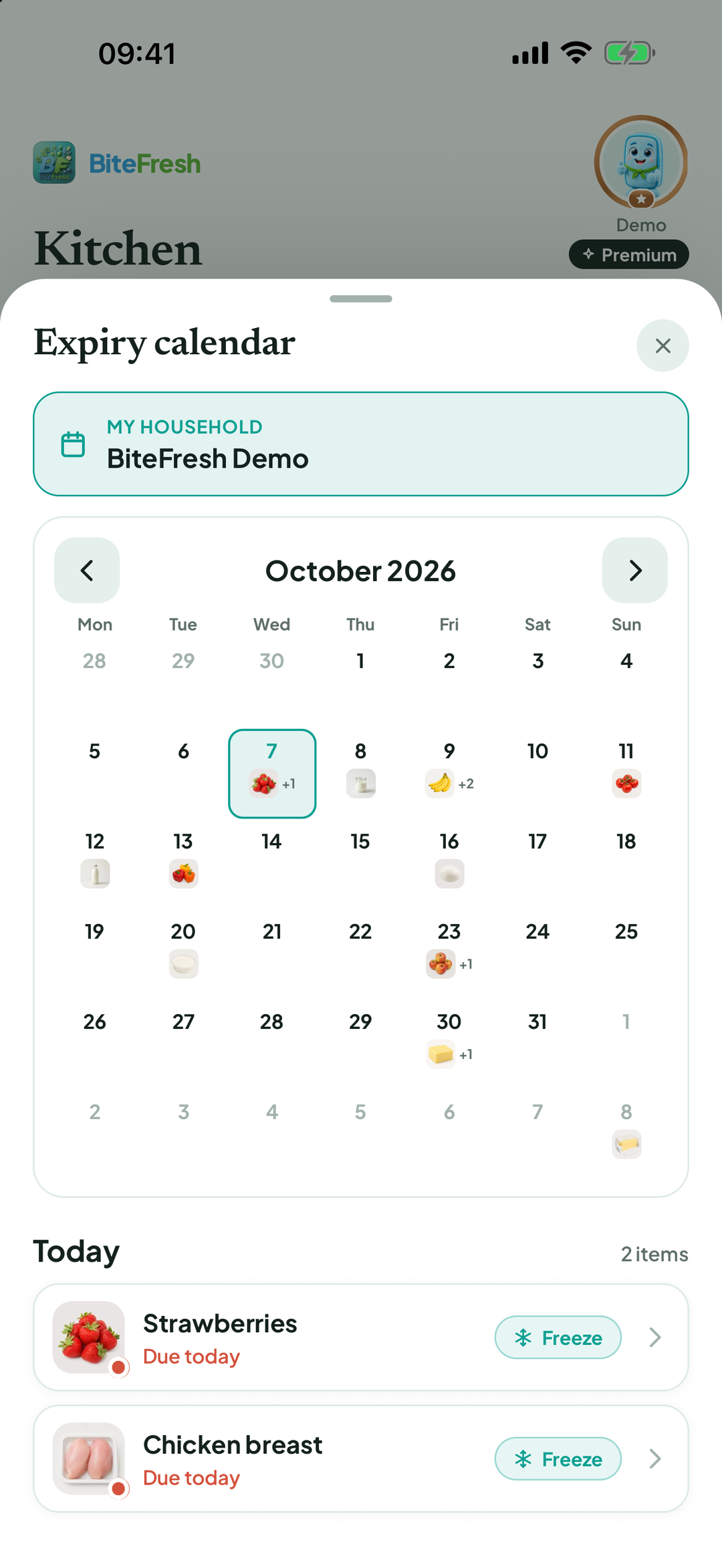
Tap a day to see the list with … days left or Due today. Tap a product to open its details.
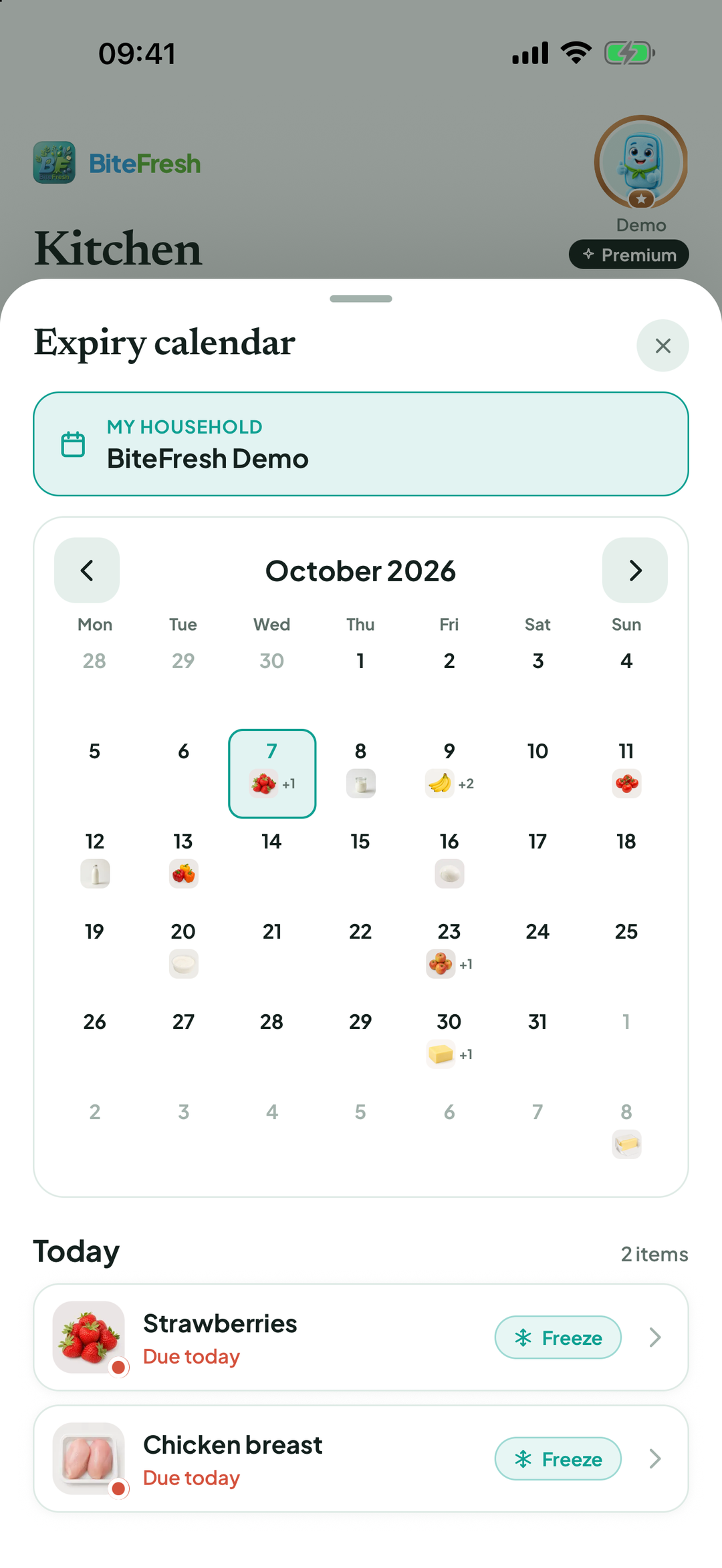
Use the arrows to move to the previous or next month.
Frozen food and empty stock are not counted. You can also ask Freshy: What expires this week?
Good to know
If you care for another household, the calendar shows at the top which household it refers to.
Terms
Updated: 2026-09-30 · App version 1.0.4
More questions? Write to support@bitefresh.de.