
Step by step
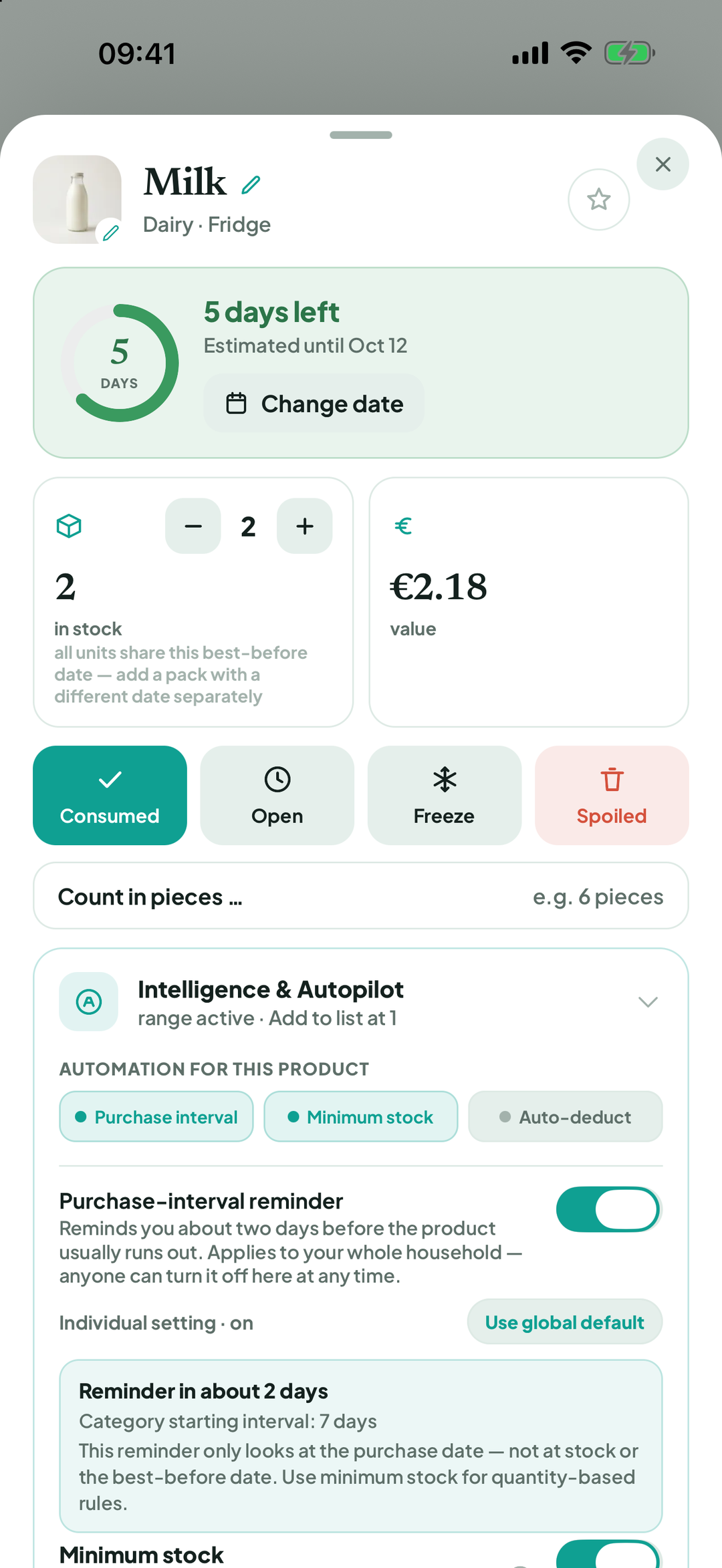
Tap a product › Freeze. For items due soon, the app may suggest Freeze — extend shelf life.
How long to freeze?: choose 1 month, 3 months, 6 months or 12 months, or Or until a date.
Optional: Remember for this product applies the next time anyone in the household freezes it.
Confirm Freeze. The product now says Frozen until … (… days left) and appears in the Freezer tab. Expiry is paused while frozen.
To change the period, tap Frozen until …, choose a new date, then Save.
Frozen goods recognised on a receipt, such as chips, creamed spinach or ice cream, may be assigned to the freezer and marked ❄️ Freezer in receipt review. Tap to undo the assignment if it is wrong.
Thaw: the product moves to the fridge and the chilled period applies again.
Good to know
If notifications are allowed, BiteFresh reminds you around a week before your chosen date.
Terms
Updated: 2026-09-30 · App version 1.0.4
More questions? Write to support@bitefresh.de.