
Step by step
Quick method: swipe a product in the list and choose Used or Open. Double-tapping deducts one unit (2× tap = −1).
Product details include Used, Open, Freeze and Spoiled buttons.
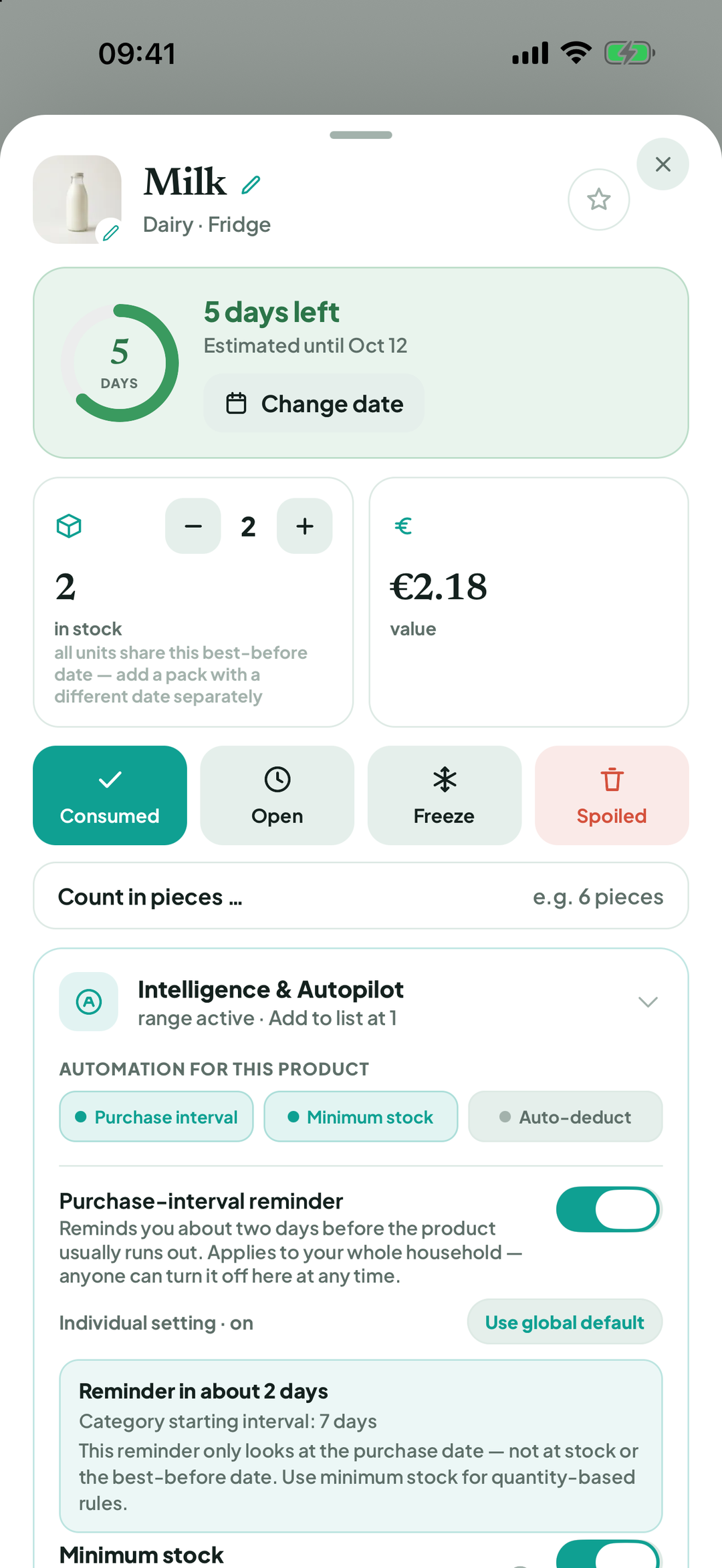
Open: an Opened message shows the new period (… opened — keeps for … more days). Not opened after all undoes it; Got it confirms.
For Used when you have several units, the app asks How many used? Choose … used or All … used.
For products with a weight, such as 500 g pasta, use Adjust amount once. You can then record Just a part or All empty.
Thrown it away? Tap Spoiled. The app asks Was that earlier than expected? Choose Yes, earlier or No, about right. Freshy learns from this.
Tapped by mistake? Tap Undo in the message at the bottom. To remove a product without recording usage, choose Delete product.
Good to know
Forgot an item? The app removes items three or more days past their date and records them as spoiled (Expired items cleaned up). You can undo that too.
Terms
Updated: 2026-09-30 · App version 1.0.4
More questions? Write to support@bitefresh.de.