
Step by step
Profile › Household › Budget & household account, or tap the budget card in Kitchen.
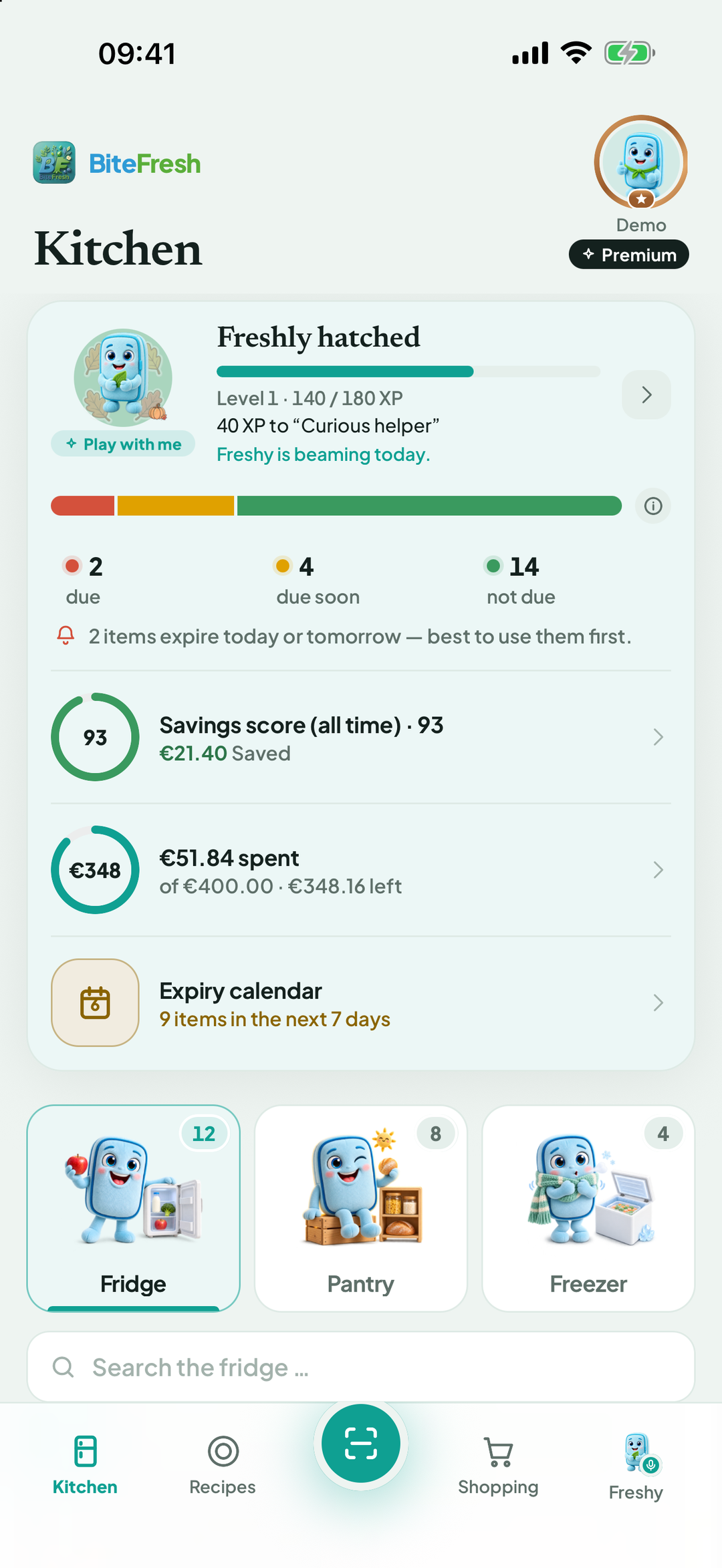
Household budget shows Spending · … for the month, By category, then Purchases below.
No budget yet? Choose Set monthly budget → and enter an amount under Budget per month.
Reminder at remaining amount: leave empty for an automatic reminder at 10%, or enter 0 to switch it off. Then Save budget.
Wrong purchase in the list? Tap it, delete it and confirm Delete purchase? It is also removed from the budget and statistics.
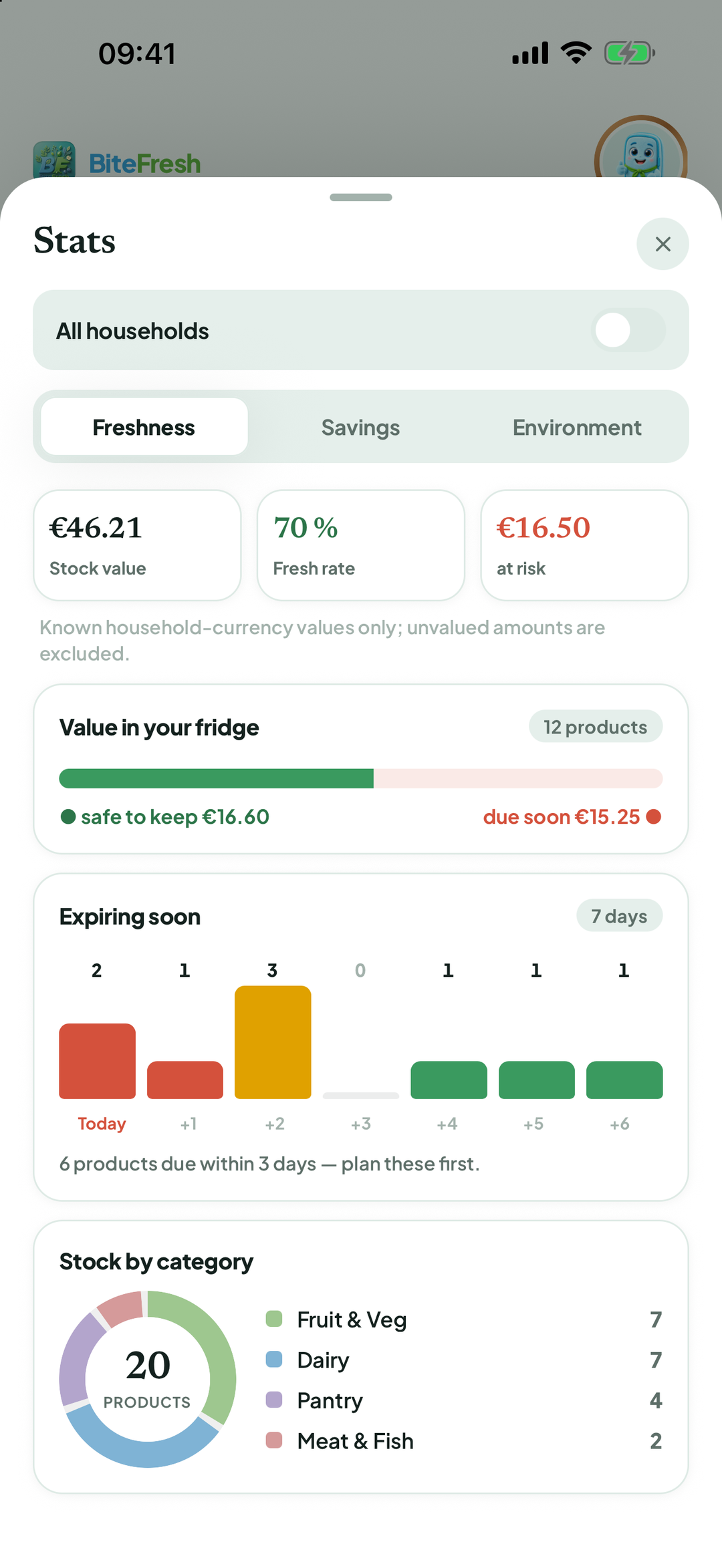
Your overview: Profile › Household › Statistics. The Freshness tab shows Stock value, Freshness ratio and What expires soon. Savings shows Savings score · … and what you have Rescued; Environment shows avoided CO₂.
Good to know
With Premium, you also see a price trend comparing current prices with earlier prices from your own purchases.
If you already recorded items through the shopping list, scan the receipt using Only for the budget book so only the expense is recorded.
Terms
Updated: 2026-09-30 · App version 1.0.4
More questions? Write to support@bitefresh.de.